
Web Development
WordPress vs Custom Website: Which Is Better for Your Business?
WordPress vs custom website: compare costs, speed, SEO, security, and flexibility to find the right website solution for your business.

Written byShykat Roy
- Published:
- Reading time
- 7 min read
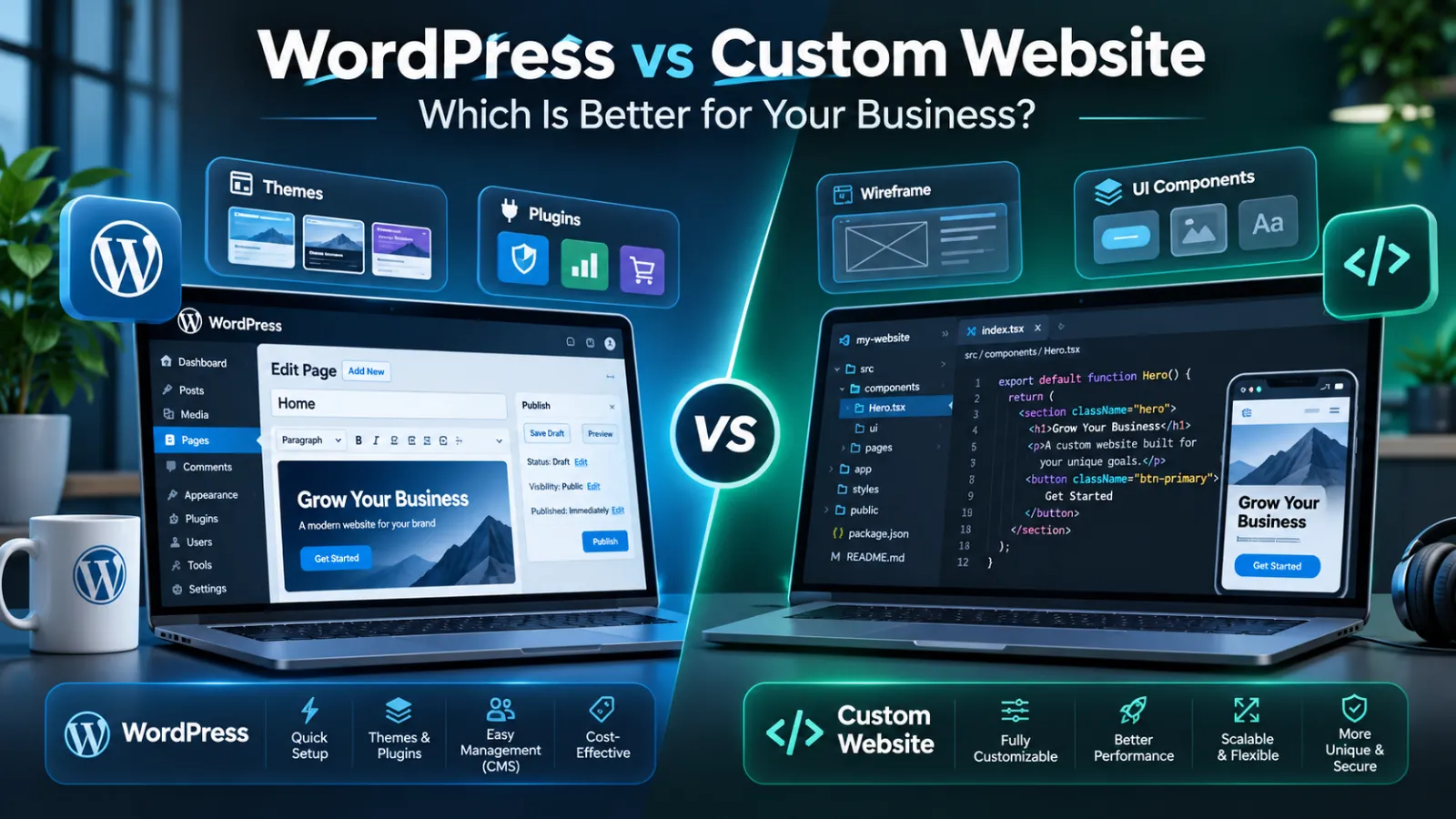
WordPress vs Custom Website: Which Is Better for Your Business?
You're planning a new business website, and someone recommends WordPress. Another developer suggests building something custom with React, Next.js, or Laravel.
Both options sound reasonable. But which one will actually work better for your business?
The answer depends on what your website needs to do, how much you're prepared to invest, and how much flexibility you'll need in the future.
As a full-stack web developer, I believe choosing the right technology is less about following trends and more about solving the right business problem.
Let's compare WordPress and custom website development to help you make a practical decision.
Quick answer: WordPress is often a good choice for small businesses that need an affordable, manageable website with standard features. Custom website development may be better for businesses requiring unique functionality, complex integrations, or specialized workflows. Neither approach automatically guarantees better SEO, security, or performance. The best choice depends on your requirements, budget, and long-term plans.
What Is a WordPress Website?
WordPress is an open-source content management system (CMS) used to build and manage websites.
It allows website owners to publish pages, upload images, edit content, and manage blog posts without needing to write code for every change.
WordPress is commonly used for business websites, blogs, online stores, and content-heavy websites.
Its flexibility comes from themes, plugins, and custom development.
For example, a small consulting business might use WordPress to create a homepage, service pages, testimonials, and a contact form.
WordPress can also support highly customized websites. It isn't limited to ready-made templates.
What Is a Custom Website?
A custom website is developed around specific requirements rather than relying primarily on a preconfigured website template.
Developers may use technologies such as React, Next.js, Laravel, PHP, or Node.js, depending on the project.
For example, a business might need a customer dashboard, appointment management system, internal approval workflow, or integration with an existing database.
These requirements can influence the choice of architecture.
Custom development offers flexibility, but it also creates responsibility for maintaining the application.
WordPress vs Custom Website: Key Differences
| Feature | WordPress | Custom Website |
|---|---|---|
| Initial setup | Often quicker for standard websites | Depends on project complexity |
| Upfront cost | Often lower for common requirements | Often higher for bespoke features |
| Content editing | Built-in CMS | Requires an editor or CMS implementation |
| Design flexibility | Highly customizable | Highly customizable |
| Unique business features | Plugins or custom code | Developed around specific workflows |
| SEO | Strong when configured correctly | Strong when implemented correctly |
| Security | Requires updates and configuration | Requires secure development and maintenance |
| Long-term maintenance | Core, themes, plugins, hosting | Application code, dependencies, hosting |
The important distinction is not which option is universally better. It is how much each solution needs to be customized to meet your requirements.
1. Which Option Costs Less?
For a straightforward business website, WordPress is often the more affordable starting point.
You may be able to use an existing theme and established plugins instead of developing every feature from scratch.
However, the final cost depends on design complexity, premium tools, custom functionality, hosting, and maintenance.
Custom development generally requires more planning, design, testing, and engineering work.
For example, a basic five-page company website may not justify a completely custom application.
But a business with complex customer accounts or specialized operational processes might benefit from a custom solution.
My recommendation: Compare the total cost over several years rather than looking only at the initial development quote.
2. Which Is Better for SEO?
One common misconception is that custom websites automatically rank higher than WordPress websites.
They don't.
Google evaluates the accessibility, relevance, usefulness, and overall quality of website content, among other signals.
Both approaches can support important SEO requirements, including:
- Unique titles and meta descriptions.
- Descriptive URLs.
- XML sitemaps.
- Canonical tags.
- Structured data.
- Internal linking.
- Mobile-friendly layouts.
WordPress offers tools that simplify many of these tasks.
Custom websites allow developers to implement them directly within the application.
However, developers must ensure that search engines can access the content, especially when using JavaScript-heavy frameworks.
The better SEO platform is the one implemented and maintained correctly.
3. Which Website Is Faster?
Speed depends more on implementation than the platform name.
A WordPress website with optimized hosting, efficient caching, lightweight plugins, and properly sized images can perform very well.
A custom website can also deliver excellent performance through efficient rendering, appropriate caching, and optimized assets.
But neither result is automatic.
A poorly configured custom application can be slower than an optimized WordPress website.
Similarly, a WordPress website overloaded with unnecessary plugins and scripts may struggle.
I evaluate website performance using real loading behavior, mobile usability, and Core Web Vitals rather than assuming a particular technology is faster.
4. Which Is More Secure?
Both WordPress and custom websites require ongoing security work.
For WordPress, important tasks include keeping core software, plugins, and themes updated, reviewing access permissions, and maintaining reliable backups.
Custom applications require secure authentication, input validation, dependency management, access control, and vulnerability monitoring.
Building a website from scratch does not automatically make it secure.
The main difference is who maintains the security controls and how updates are managed.
Before selecting either approach, ask who will be responsible for security after launch.
5. Which Is Easier to Maintain?
WordPress has a practical advantage for many content-focused websites because its administration interface allows authorized users to edit content without developer involvement.
However, plugin updates and compatibility problems still require attention.
With a custom website, maintenance depends on the architecture.
A custom solution with a well-designed CMS may be easy for a business to update. One without an editing interface may require developer assistance for routine content changes.
I recommend thinking about who will manage your website six months after launch.
If your team regularly publishes articles and updates services, content management should be part of the original development plan.
6. When Should You Choose WordPress?
WordPress may be a sensible choice when your business needs a professional online presence without complex custom functionality.
It is particularly suitable when you need:
- A company website with standard pages.
- A regularly updated blog.
- A service-based website.
- Straightforward enquiry forms.
- A manageable content-editing system.
It is also worth considering when your business wants access to a large ecosystem of existing tools and developers.
However, plugin availability should not replace proper evaluation of the project's requirements.
7. When Should You Choose Custom Development?
Custom development becomes more attractive when a website needs to support distinctive business operations.
For example:
Custom booking systems: Businesses may need specific availability rules, multiple staff schedules, appointment types, and administrative workflows.
Customer portals: Customers might need to sign in, monitor requests, access documents, or track project progress.
Business integrations: A website may need to exchange information with CRM platforms, accounting systems, or internal software.
Specialized applications: Some functionality is sufficiently unique that adapting multiple plugins becomes unnecessarily complicated.
Custom development can make these workflows easier to control, but it also requires a clear maintenance plan.
8. Can You Combine WordPress and Custom Development?
Yes.
Choosing WordPress doesn't mean abandoning custom development.
Developers can create custom WordPress themes and plugins, extend existing features, or use WordPress as a headless content management system.
A headless implementation separates content management from the website's front-end application.
This may provide additional flexibility when the project requires it.
However, introducing multiple systems also creates additional complexity.
The architecture should be justified by the business requirements, not by the desire to use more technologies.
How I Recommend Choosing the Right Website
Before deciding, I would ask five questions:
- What is the website's primary business purpose?
- Will employees need to update content regularly?
- Are standard features enough, or is custom functionality essential?
- What is the realistic development and maintenance budget?
- How might the website need to evolve?
Answers to these questions provide a stronger basis for selecting a platform than comparing technology names alone.
Final Thoughts
WordPress and custom website development can both be excellent choices.
For small businesses that primarily need a professional online presence, WordPress may offer a convenient balance of cost, flexibility, and content management.
For businesses requiring specialized workflows, custom applications, or deeper integrations, a purpose-built solution may be more appropriate.
The goal is not to choose the most complicated technology.
It's to choose a website that is reliable, manageable, and genuinely useful to the business.
Need help choosing between WordPress and a custom website?
I'm Shykat Roy, a full-stack developer working with modern web technologies. I help businesses plan and develop websites based on their actual requirements, rather than forcing every project into the same solution.
Topics
- WordPress
- Custom Website Development
- Business Website
- Website Design
- Website Cost
- Website Performance
- Technical SEO
- Website Security
- Web Development
- Website Maintenance
Frequently asked questions
Is WordPress better than a custom website for small businesses?
WordPress is often suitable for small businesses needing standard pages, blogs, and enquiry forms. Custom development may be better when the business requires unique features, integrations, or workflows. The right choice depends on requirements rather than business size alone.
Which is better for Google SEO, WordPress or a custom website?
Both can perform well in Google Search. Search visibility depends on content relevance, crawlability, technical implementation, website usability, and other SEO factors. Neither platform provides guaranteed rankings.
Is a custom website more expensive than WordPress?
Custom development often costs more initially because additional functionality must be designed and built. However, complex WordPress customization, premium tools, and long-term maintenance can also increase costs. Compare total ownership costs before deciding.
Can I move from WordPress to a custom website later?
Yes. Content and certain data can often be migrated, although the complexity depends on plugins, custom fields, URLs, and integrations. A migration should include redirects, canonical checks, and SEO monitoring to reduce disruption.
Can WordPress handle complex business functionality?
Yes. WordPress can support complex features through custom development and extensions. However, some specialized applications may be easier to maintain with a dedicated architecture. The decision should consider performance, security, integration requirements, and ongoing development needs.
Keep reading
All articles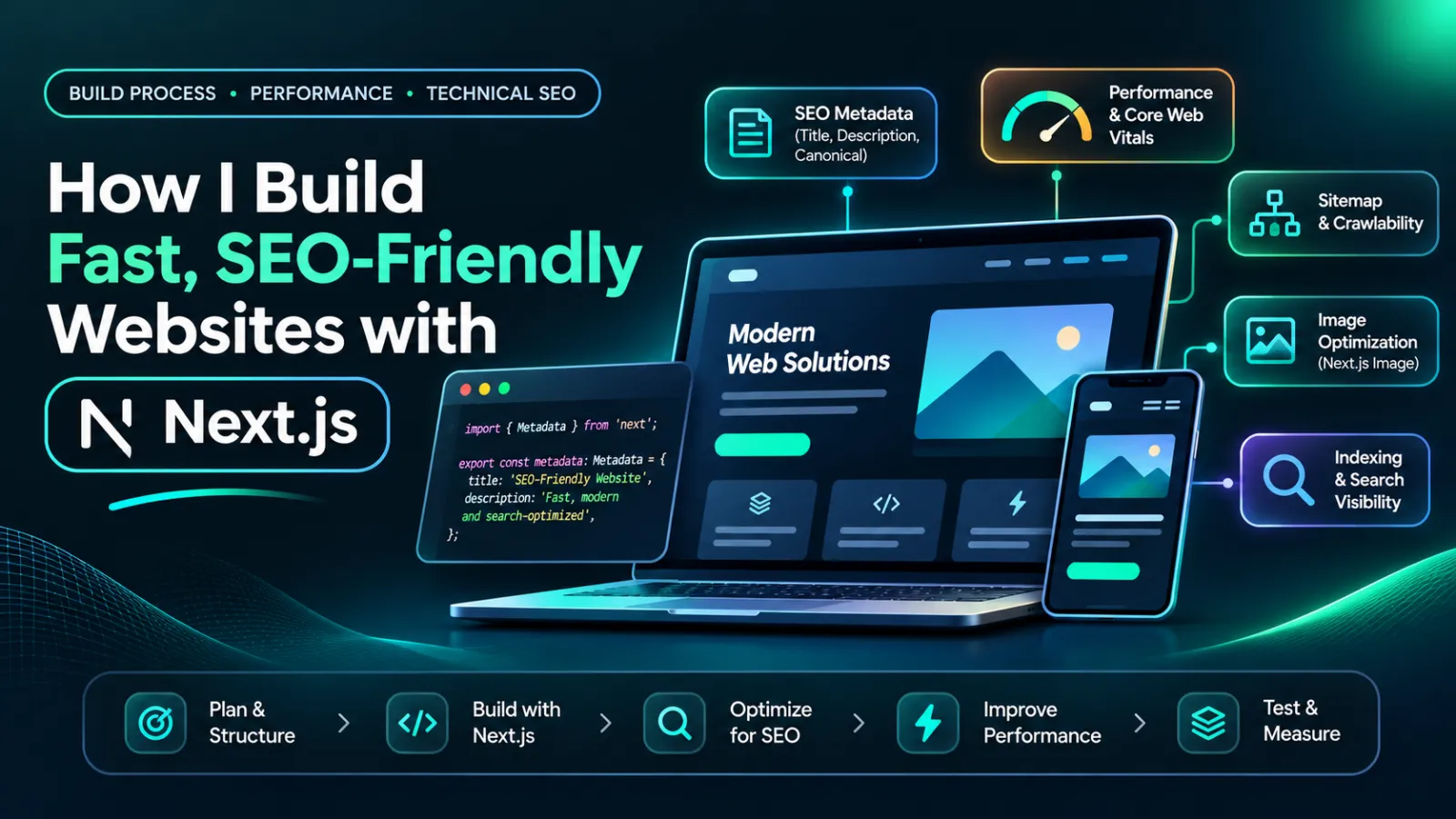 Web Development
How I Build Fast, SEO-Friendly Websites with Next.js
Discover how I build fast, SEO-friendly Next.js websites using smart rendering, optimized images, structured data, and real portfolio examples.
12 min read
 Website Optimization
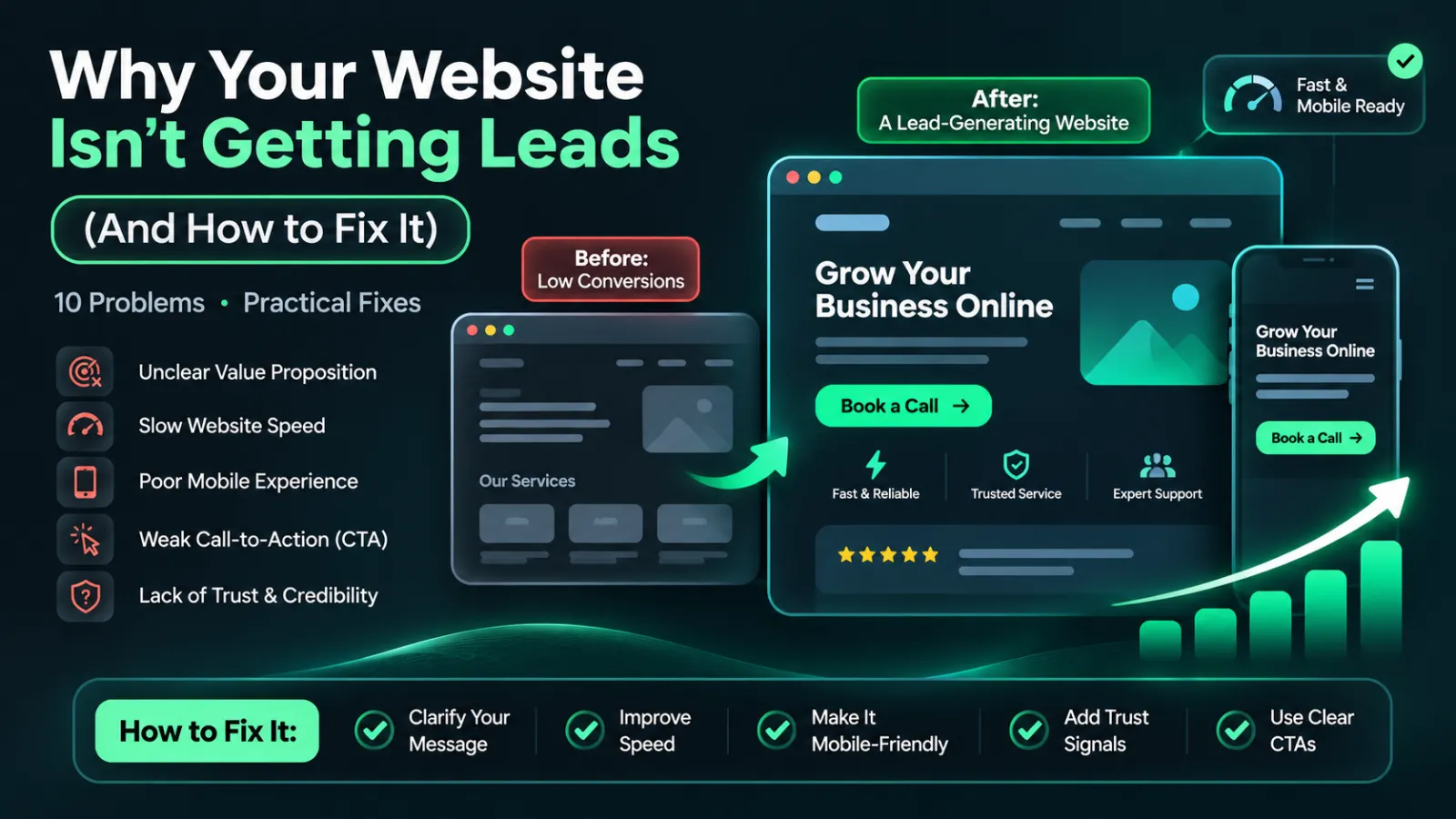
Why Your Small Business Website Isn't Getting Leads (And How to Fix It)
10 Reasons Your Small Business Website Isn't Getting Leads and How to Fix Them to Attract More Customers.
9 min read